
PictureToVideo AI
Upload one photo, say how it should move in a few words, and watch it happen — a portrait smiles, a still moment breathes, an old family picture comes back to life. No editing skills, no software to learn. Picture to Video AI turns a single image into a shareable video in seconds, free to try.
Picture to Video AI is the simplest way to turn a photo into a video. You do not shoot footage or learn editing software — you upload one picture, type one line saying how it should move, and a multi-model AI engine generates real motion inside the frame. A portrait blinks and smiles, a landscape comes alive, an old photo breathes again. Under the hood you can switch between video models, set the length and size, preview free clips at 720p, and export up to 4K on a paid plan. Unlike a slideshow maker that only slides and zooms across a static image, picture to video generation creates genuine movement while keeping faces and small details looking natural. The picture to video process stays that simple — one photo, one line — and it is free to try, built for everyday people who just want their pictures to move, not for editors chasing settings.
Pick the kind of photo you have and let Picture to Video AI add the motion.
The animate-photo face takes one picture and one line of motion. You name what should move and choose which AI model renders it, so a single still becomes a clip you directed rather than one an automatic mode guessed.
Type what should move; the field takes a single photo, not a collage.
Different engines for faces, weather, and long drifts — chosen per photo.
Identity-preserving motion keeps the person looking like themselves.
The start-and-end-frame face takes two pictures — the opening shot and the closing one — and generates only what happens in between. For the split second no camera caught, you hand it both photos and let the model invent the join.
One photo holds the start, one holds the finish; the model fills the gap.
No guessing where it ends — you already decided the last frame.
Five to fifteen seconds, with native audio in the same pass.
When there is no photo to upload, the text-to-video face takes a written line instead. Describe the scene — who is there, what moves, the mood — and the same picture to video studio renders a clip from words alone.
Write what you want to see; no photo and no reference frame needed.
Begin a clip when the picture lives in your head, not on your phone.
Model, length and size sit exactly where the other picture to video tools keep them.
Four ways into a video — from the photo in your hand, two frames you already have, or a line of text.
Direct a single photo with one line of motion and choose which AI model renders it. For the portrait or pet shot you want moving exactly the way you remember it.
Hand it two photos — where the clip begins and where it lands — and it builds the seconds in between. For bridging two moments you already have instead of guessing one.
No photo on hand? Type a scene in plain words and the same studio builds the clip from your sentence alone. For starting a picture to video project from an idea, not an upload.
The full multi-model picture to video engine right on this page — swap models, set length and size, and generate on the spot. For when you want every control in one panel.
The things that make Picture to Video AI the easy way to turn a photo into a video.
Picture to Video AI turns a single photo into a finished clip in three simple steps.
Start turning pictures into video for free. Upgrade only when you want more credits, higher resolution, and longer picture to video clips — cancel anytime.
Includes
2,400 credits for 12 months
Billed as $100.0/year
Risk-free · Cancel anytime
Includes
21,600 credits for 12 months
Billed as $360.0/year
Risk-free · Cancel anytime
Everything in Basic, plus
48,000 credits for 12 months
Billed as $599.0/year
Risk-free · Cancel anytime
Everything in Pro, plus
Business Exclusive
Find the plan that fits how often you turn pictures into video
| Feature | Free | Basic | Pro | Business |
|---|---|---|---|---|
| Monthly Credits | 10 (one-time) | 800 | 1,800 | 4,000 |
| Clips / month | ≈1 | 13–114 | 30–257 | 66–571 |
| Picture to Video (Image-to-Video) | 720p | |||
| Text-to-Video | 720p | |||
| AI Video Download | ||||
| Speed Mode | ||||
| Quality Mode | ||||
| Video Extension (longer clips) | Speed Mode | All Modes | All Modes | |
| Keyframe Control | ||||
| 1080p Output | ||||
| 4K Generation | ||||
| Private Generation | ||||
| Commercial License | ||||
| Generation Queue | Shared | Standard | Priority | VIP |
| Support Response | - | 48 hours | 24 hours | 12 hours |
0 / 20000
Open any picture to video tool and start where you are — one photo, two frames, or a line of text.
Everyday photos, brought to life — picture to video with no filming, just a tap
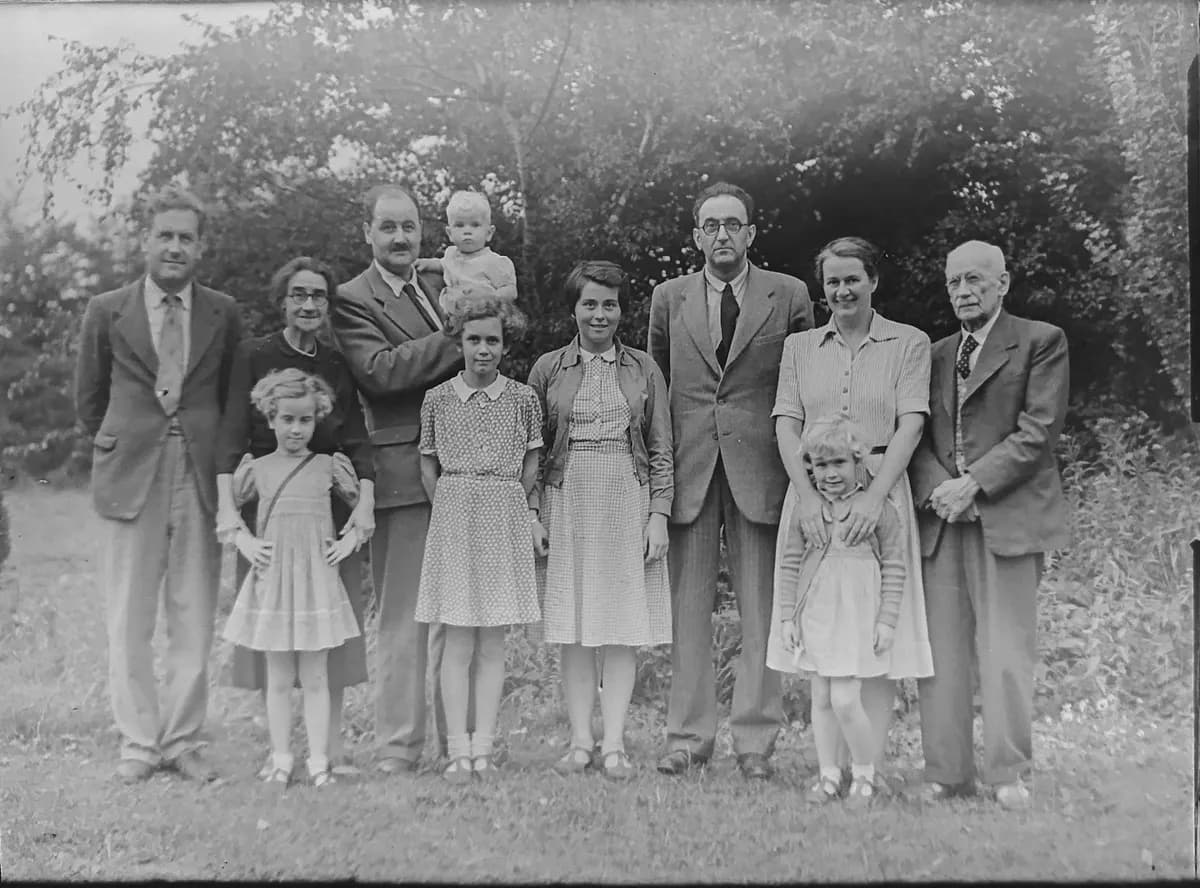
Start with an old family portrait — a grandparent, a wedding, a reunion. Write one gentle line like "she smiles and looks to camera", and picture to video hands back a soft, believable motion you can share with relatives. The face stays hers, the moment stays quiet.
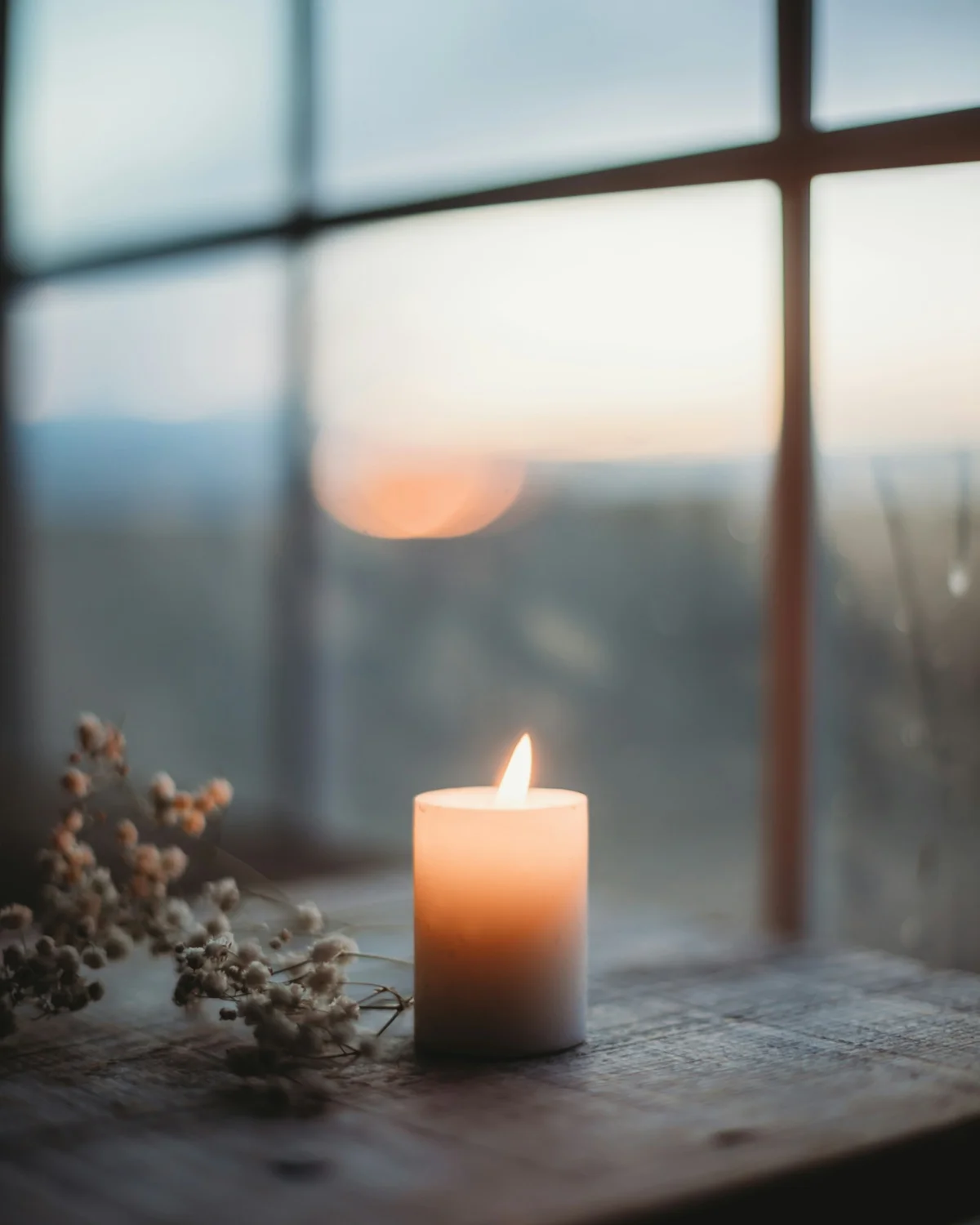
Bring a single treasured photo of someone you miss. Write one calm line — "a slow, small smile" — and get back an understated moving keepsake, nothing dramatic or artificial. A tender picture to video tribute you can hold onto.
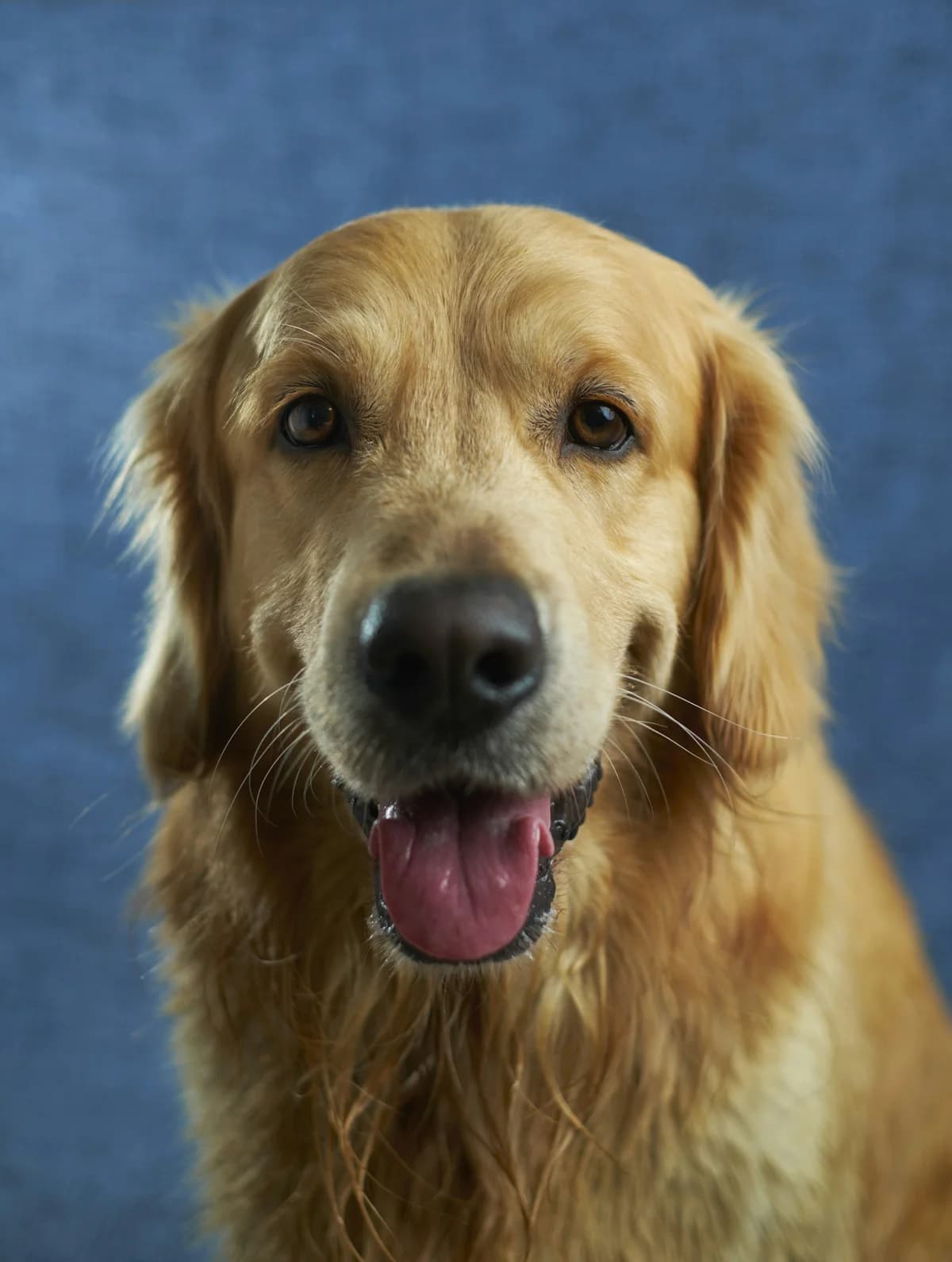
Drop in one clear shot of your dog or cat. Write the action you want — "he tilts his head", "a big slow yawn" — and picture to video returns a short clip to send friends or set as a living photo on your phone. No editing.
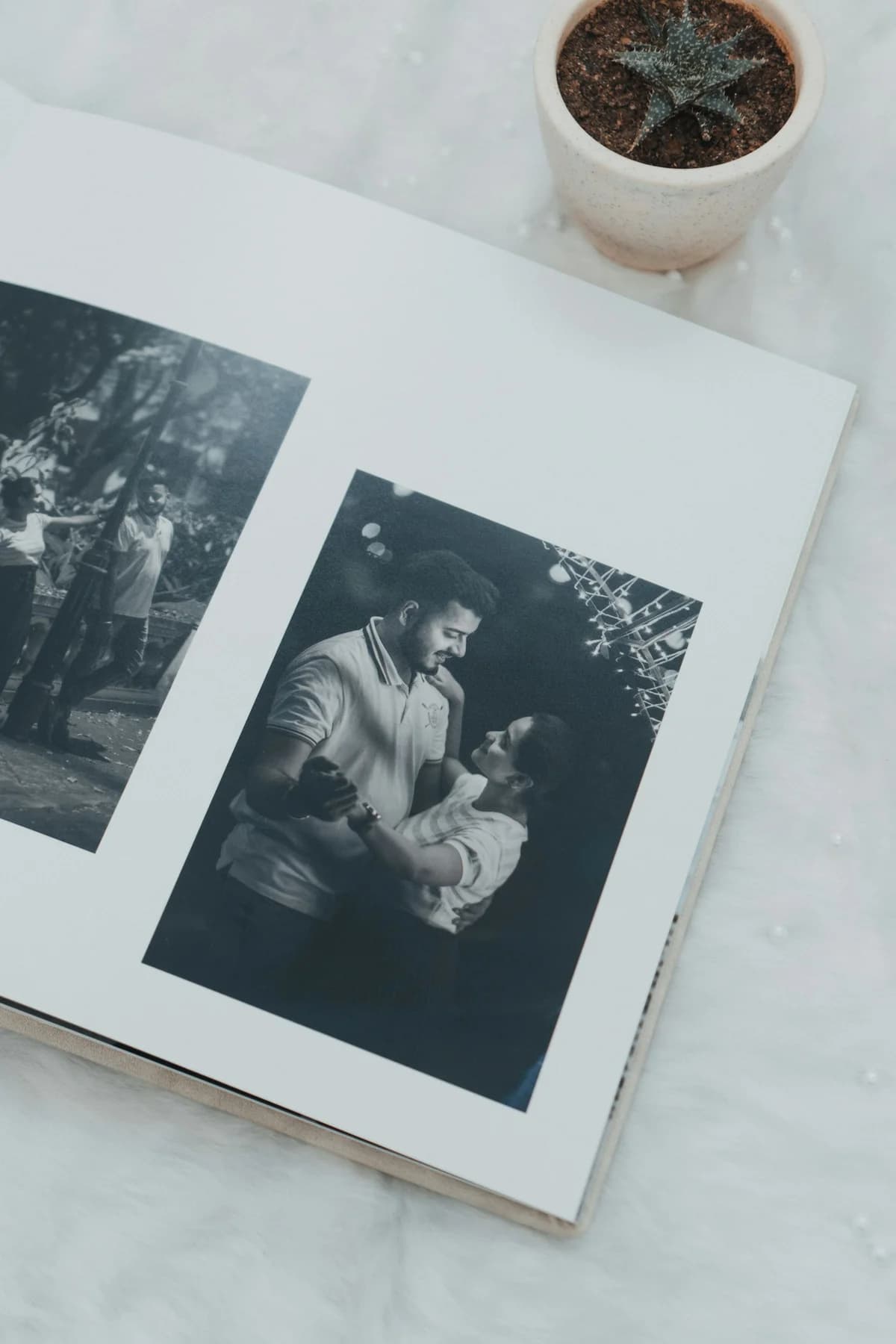
Use a newborn or milestone photo. Write one line — "the first smile arrives" — and turn it into a soft picture to video memory to send grandparents far away. A little moment that seems to happen all over again.
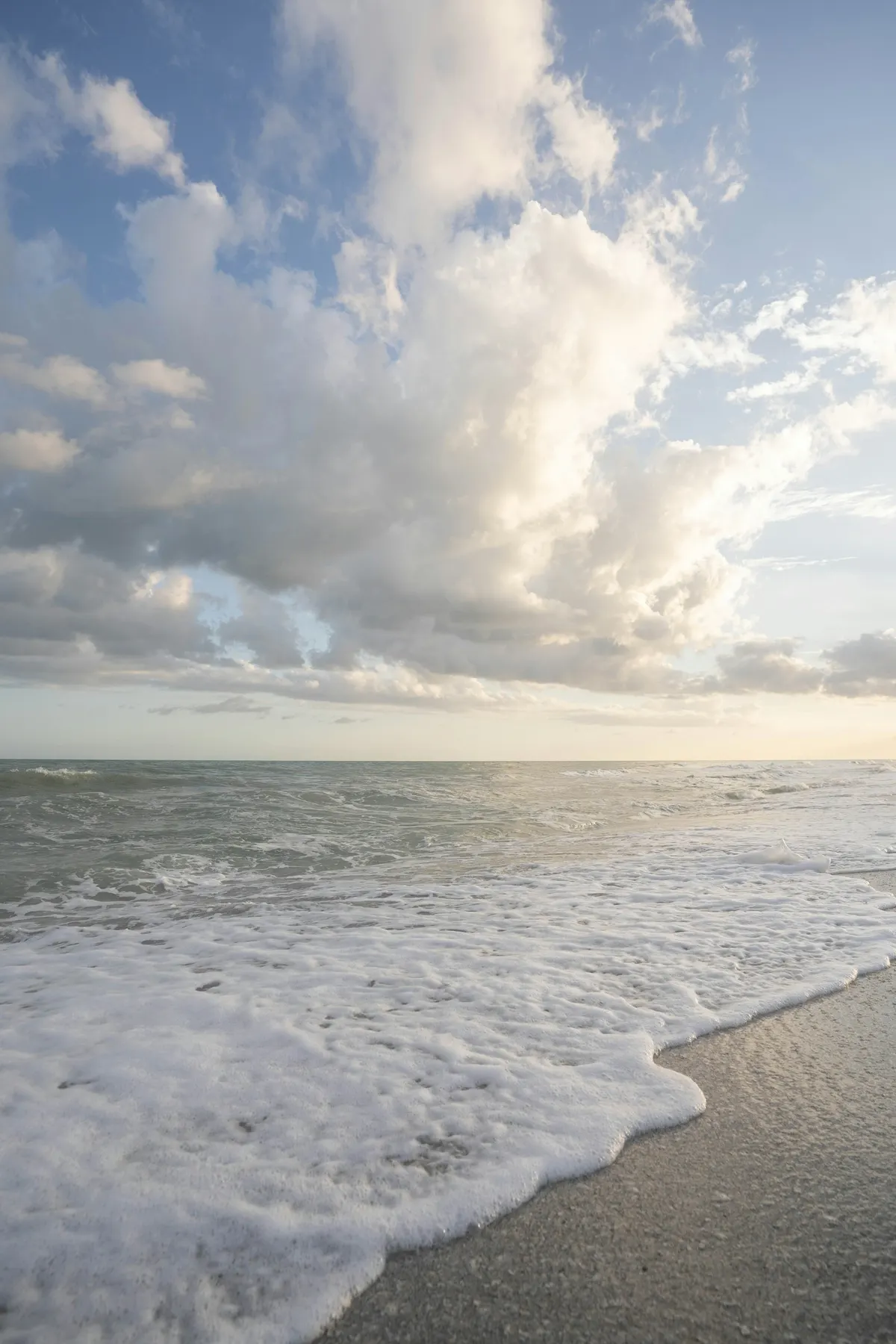
Pick a favorite landscape or beach shot. Ask for what should drift — "clouds travel, water ripples, a slow push in" — and a single travel photo becomes a cinematic picture to video moment you can loop and share.
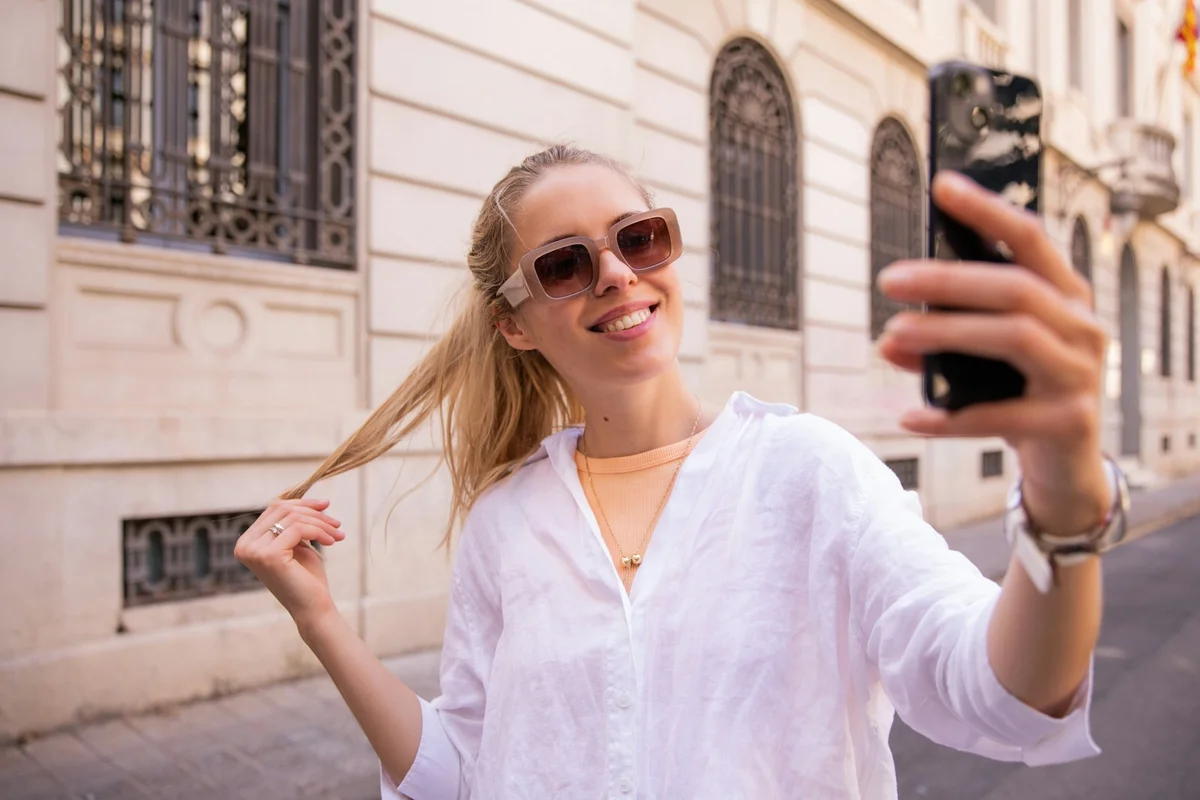
Upload a selfie or headshot. Write "I blink and grin" and get a short clip where you actually move — a profile picture, a birthday card, or a message that feels alive instead of frozen. Your selfie, picture to video, ready for the feed.
Real questions people ask before they animate a photo
Usually yes. Picture to Video AI adds motion rather than redrawing the photo, so grain and softness carry over. Clearer scans move more smoothly, but faded and slightly blurry old pictures still come to life well.
The motion is intentionally subtle — small smiles, blinks, and gentle head movement — and it preserves the face so the person keeps looking like themselves. It is built to feel like a living photo, not an exaggerated fake.
A few words is enough. You do type one short line saying how the photo should move — "she smiles", "the water drifts" — and that is it. There is no prompt engineering and nothing to configure; the picture to video flow is one upload and one line.
New accounts start with 10 free credits and no credit card. A short picture to video clip costs only a few credits, and the exact cost shows on the Generate button before you run it — so you always know what a clip will use. Paid plans add more credits, 1080p and 4K, and longer clips when you want them.
Yes, and many people do exactly that. The motion stays calm and respectful — a soft smile or small movement — so an old photo becomes a tender keepsake rather than anything unsettling.
Your uploads are used only to create your video and are not posted or shared publicly. They are removed after processing, and your pictures are never used to train models.
Yes. You can aim the motion at the background or scenery — drifting water, clouds, or hair — while faces hold steady, which keeps portraits believable and subtle.
Export the vertical, higher-quality version and upload that file directly rather than re-sharing a compressed copy. Picture to Video AI outputs social-ready sizes so your clip stays sharp in Reels and Stories.
Support ready
Get help
